More faces.
Fewer time zones.
Add your favourite people, import a contact, and see their local time at a glance. Keep friends, family and work in easy reach.

DIFFERENT TIME ZONES. SAME CONNECTION.
For the friends an ocean away. The family back home. The team all over the place.
Put your people on one beautiful clock, and find a good time to say hello.
An interactive peek at Clocka. Sample people, real local times.
A PEEK INSIDE CLOCKA
A closer look at the app, from your first
hello to the reminder that brings you back.
Swipe or scroll to explore. Tap a screen to get Clocka on the App Store.
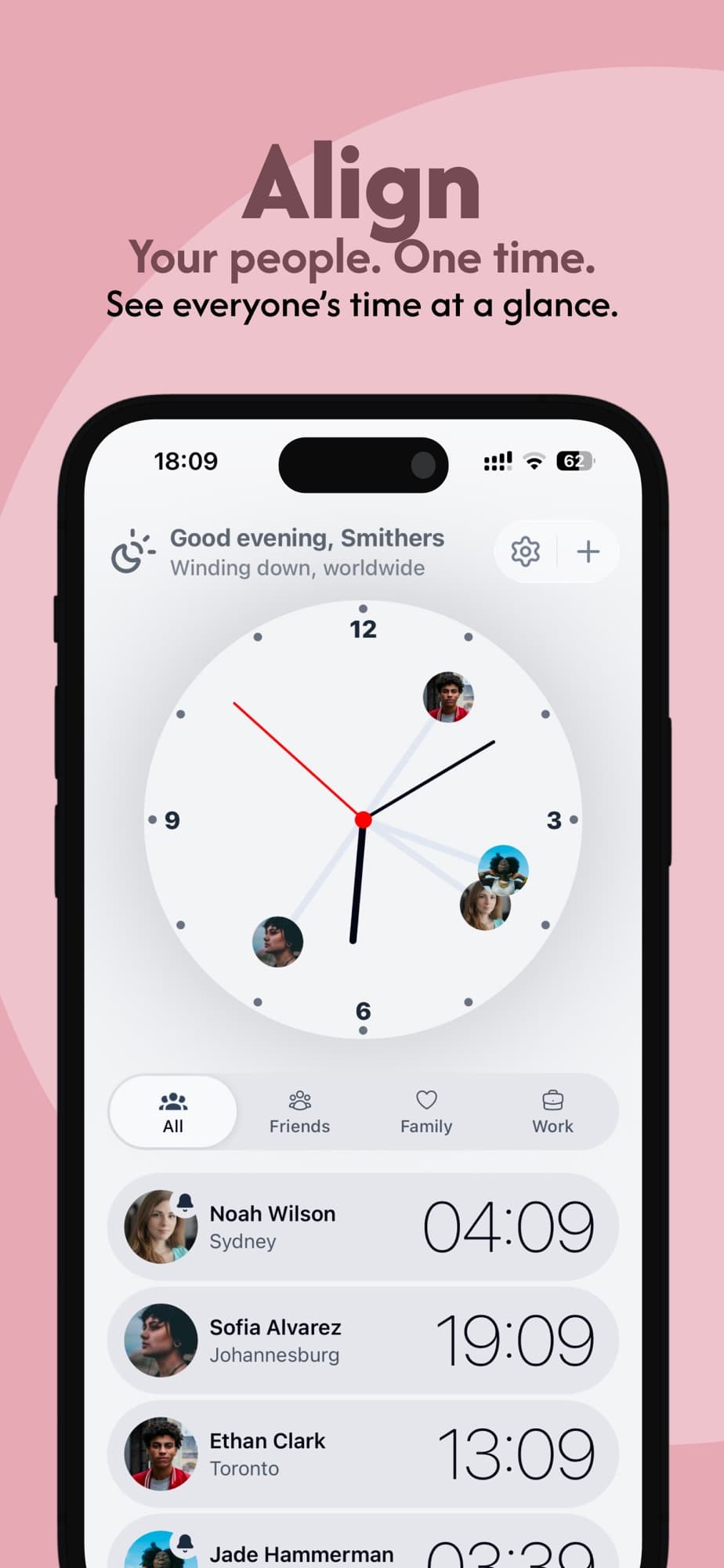
One clock for everyone’s local time.
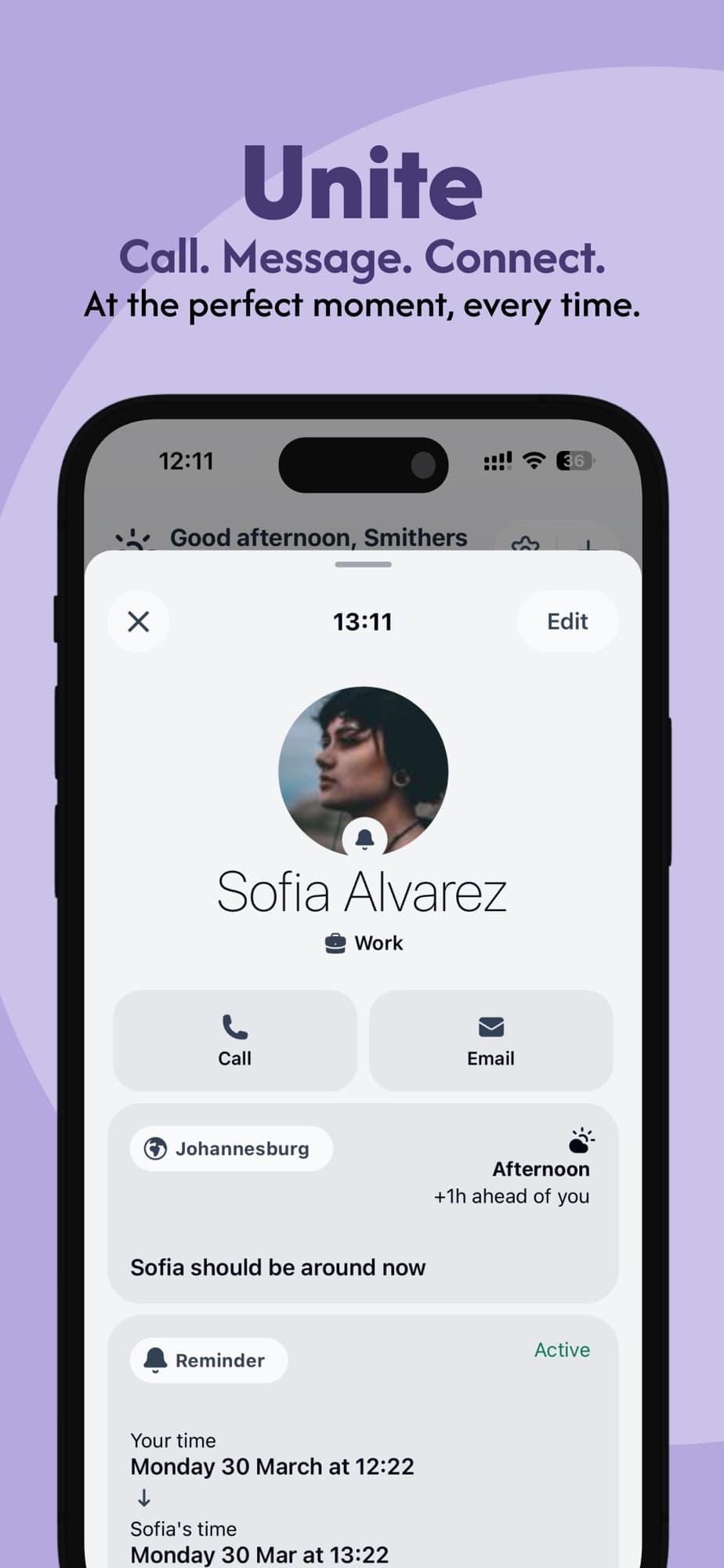
Their time, contact details and reminders.
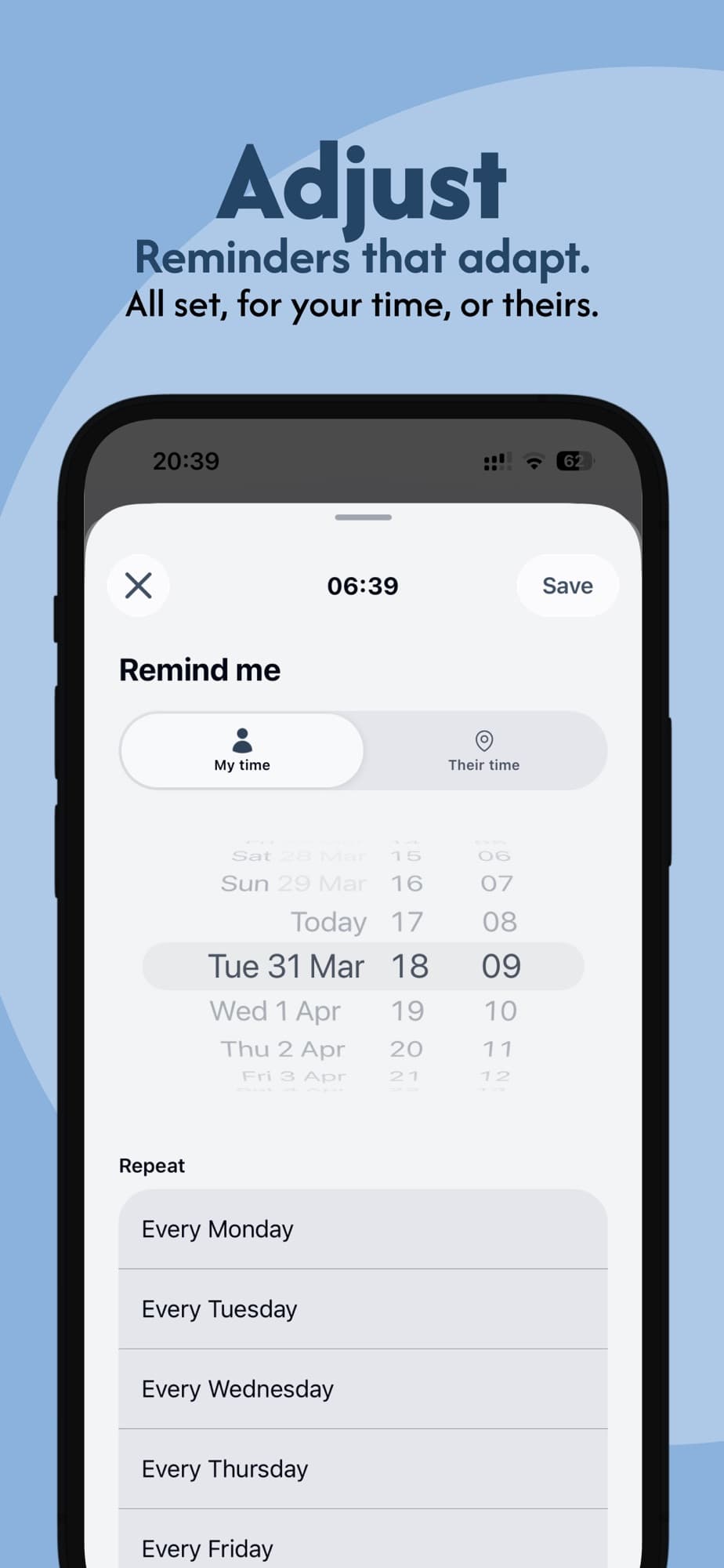
Set a reminder around either time zone.
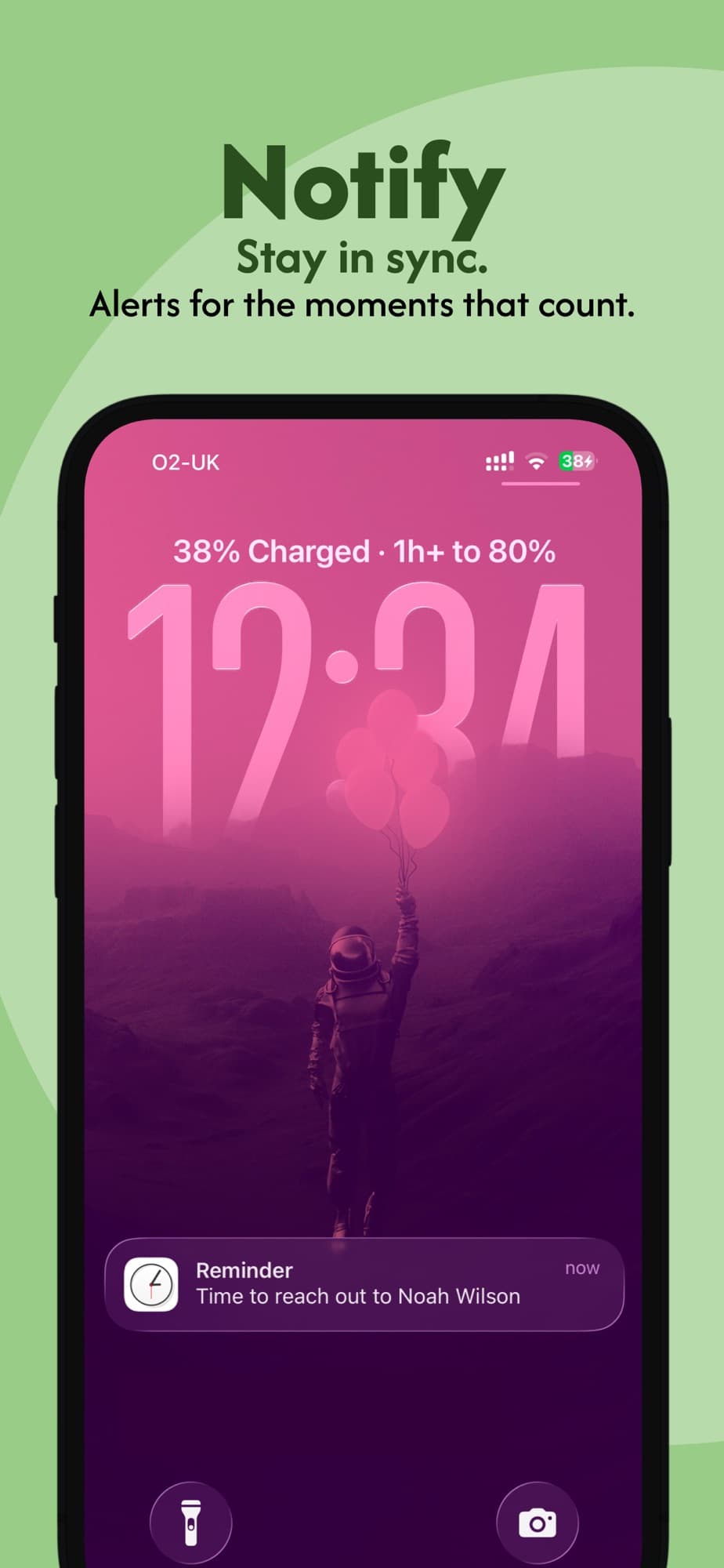
A timely reminder, right on your lock screen.
Screens from Clocka on the App Store.
SMALL DETAILS. CLOSER CONNECTIONS.
A thoughtful little app for the people
who make your world feel bigger.
Add your favourite people, import a contact, and see their local time at a glance. Keep friends, family and work in easy reach.
Slide forward or back in time and see everyone’s day move together. Less mental maths. More moments that work.
Set a one-off or weekly reminder, in your time or theirs. A little nudge for the calls you’ve been meaning to make.
A CLOCK THAT FEELS LIKE YOU
Choose your colours, switch between light and dark, and put names, cities or faces on your clock. Because your world should feel like yours.
And for a little fun? Pull down in the app to race your clock hands.
A FEW GOOD QUESTIONS
Little things you might like to know.
Clocka is a personal world clock that puts your friends, family and teammates on the clock face. See their local times together, explore a different time of day, and find a moment to connect.
Yes. Clocka lets you add up to three contacts for free. Premium unlocks more contacts and reminders, with a lifetime purchase available in the app.
Clocka uses the time zone attached to your contact’s city to work out their local time, including daylight saving changes. Choose a city when adding a contact to keep their time in step.
Yes. You can import a person from your device’s contacts, then add their location. You can also add someone manually.
A SMALL APP FOR YOUR WHOLE WORLD
 Same world. A little closer.